

Mission Control 3
Mission Control 3 is Binho’s app for working with the Supernova, the Pulsar and the Atira without writing code: configure the adapter, run protocol transactions, program EEPROMs, and flash and debug microcontrollers from one workbench. It runs as a desktop app on Windows, macOS and Linux, and in the browser at mc3.binho.io.
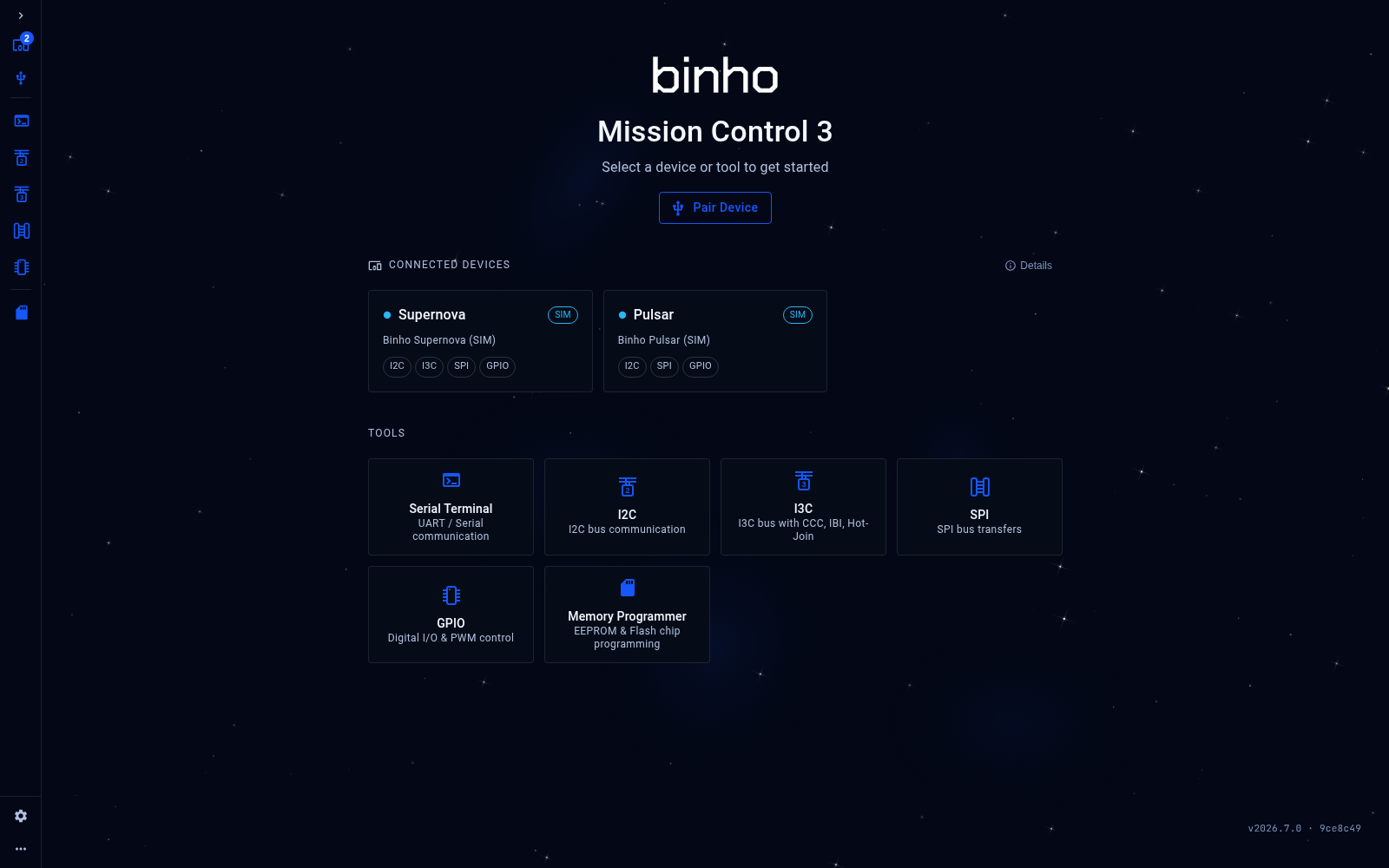
Mission Control 3: connected devices and tools
Summary
Section titled “Summary”Supported Devices
Section titled “Supported Devices”- Binho Supernova, Binho Pulsar and Binho Atira, on the latest firmware.
- On the Atira, the MCU Programmer and the MCU Debugger (desktop app).
- Built-in simulated Supernova and Pulsar, to try every tool before the hardware arrives.
- Serial Terminal: UART and serial communication.
- I2C: I2C bus communication.
- I3C: I3C bus communication, including CCCs, IBI and Hot-Join (Supernova).
- SPI: SPI bus transfers.
- GPIO: digital I/O.
- Memory Programmer: read, write, erase and verify I2C and SPI EEPROMs.
- MCU Programmer: flash, verify and erase a microcontroller through the Atira (desktop app).
- MCU Debugger: halt, step and set breakpoints in a microcontroller’s program through the Atira (desktop app).
System Compatibility
Section titled “System Compatibility”- Desktop app for Windows (x64), macOS (Apple Silicon and Intel) and Linux (x64).
- Web app at mc3.binho.io: no install and no sign-up. Needs a Chromium-based browser (Chrome, Edge or Opera).
Next Steps
Section titled “Next Steps”- Download & Installation: desktop app or web app.
- Mission Control 3 Tools: what each tool does and how to use it.
- Product overview and release announcements on binho.io: Mission Control 3, What’s new.