

Memory Programmer
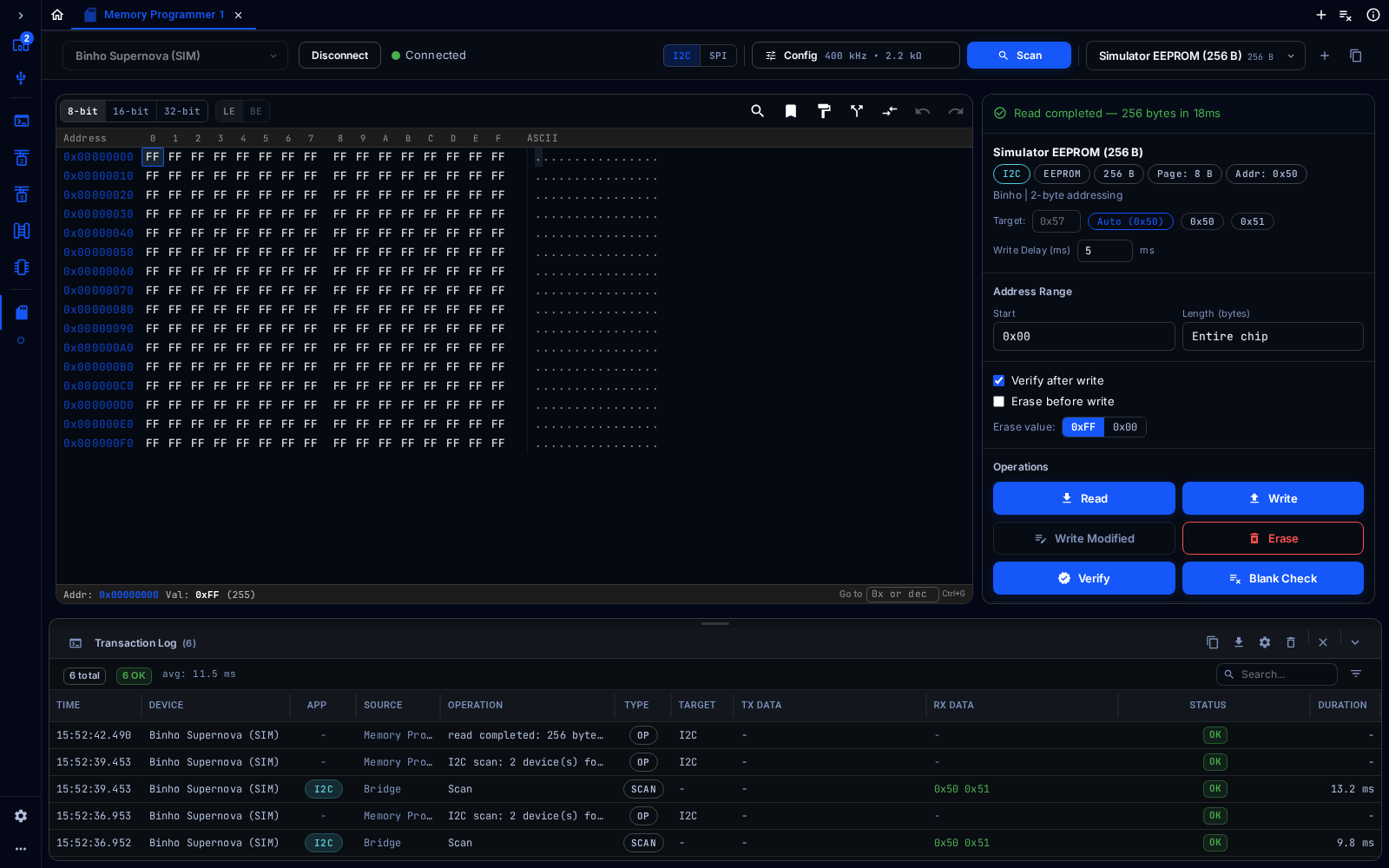
Memory Programmer after reading a simulated 256-byte EEPROM
The Memory Programmer reads, writes, erases and verifies EEPROMs.
Connect
Section titled “Connect”Choose the adapter from the device selector at the top left, then click Connect. In the web app, click Pair Device first to give the browser access to a real adapter, or pick a simulated device such as Binho Supernova (SIM) to try the tool without hardware. Config at the top right opens the settings for the bus.
Every tool shows the Transaction Log at the bottom: each command sent to the adapter, its data, its result and how long it took. It can be searched, filtered, copied and exported.
Configure
Section titled “Configure”Choose I2C or SPI for the bus the EEPROM is on, and set the bus in Config.
Find the Chip
Section titled “Find the Chip”Click Scan. Mission Control finds the EEPROM on the bus and selects it in the chip selector, with its size, page size and address. The chip can also be chosen from the selector.
Read, Write and Verify
Section titled “Read, Write and Verify”- Address Range: where to start, and how many bytes (or Entire chip).
- Read loads the contents into the hex view on the left, shown as 8, 16 or 32-bit values in little- or big-endian order.
- Write writes the loaded contents; Write Modified writes only the bytes that changed.
- Erase fills the range with the erase value (
0xFFor0x00); Blank Check confirms a range is erased. - Verify compares the chip with the loaded contents. Verify after write does this automatically.
- File: load or save the contents as Binary (
.bin), Intel HEX (.hex) or S-Record (.srec).